SETUP WHEN REPLACING OR REMOVING/INSTALLING PARTS UPDATE ECU SECURITY KEY
UPDATE ECU SECURITY KEY
- NOTICE:
- ·
It is necessary to log in to the Toyota server to perform an ECU security key update.
·Users other than Toyota dealers can log in with a guest account issued when an ECU is ordered.
Enter the following menus: System Select / Health Check.
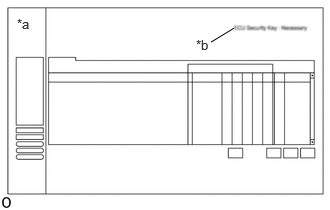
| *a | GTS Health Check Screen |
| *b | "ECU Security Key: Necessary" |
Check whether "ECU Security Key: Necessary" is displayed in the upper right corner of the GTS screen.
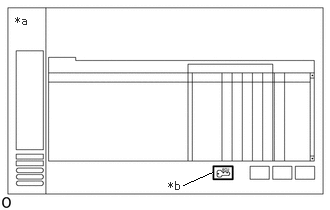
| *a | GTS Health Check Screen |
| *b | Perform ECU Security Key Update Icon |
If "ECU Security Key: Necessary" is displayed, follow the prompts on the GTS screen to update the ECU security key.
When the ECU security key update is completed, enter the following menus: System Select / Health Check.
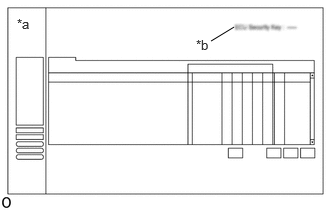
| *a | GTS Health Check Screen |
| *b | "ECU Security Key: -" |
Check that "ECU Security Key: -" is displayed, and clear the RoB.
- NOTICE:
-
If "ECU Security Key: Necessary" is displayed in the upper right corner of the GTS screen, perform the ECU security key update again.